
Top 10 Project Management Modules in 2025 — How BNTM HUB Compares

A Project Management Module helps businesses and teams plan, track, and manage projects efficiently. It ensures deadlines are met, resources are optimized, and collaboration runs smoothly across teams.
Here’s a look at the top 10 project management module competitors in 2025 and how BNTM HUB Project Management Module stands out.
1. Asana
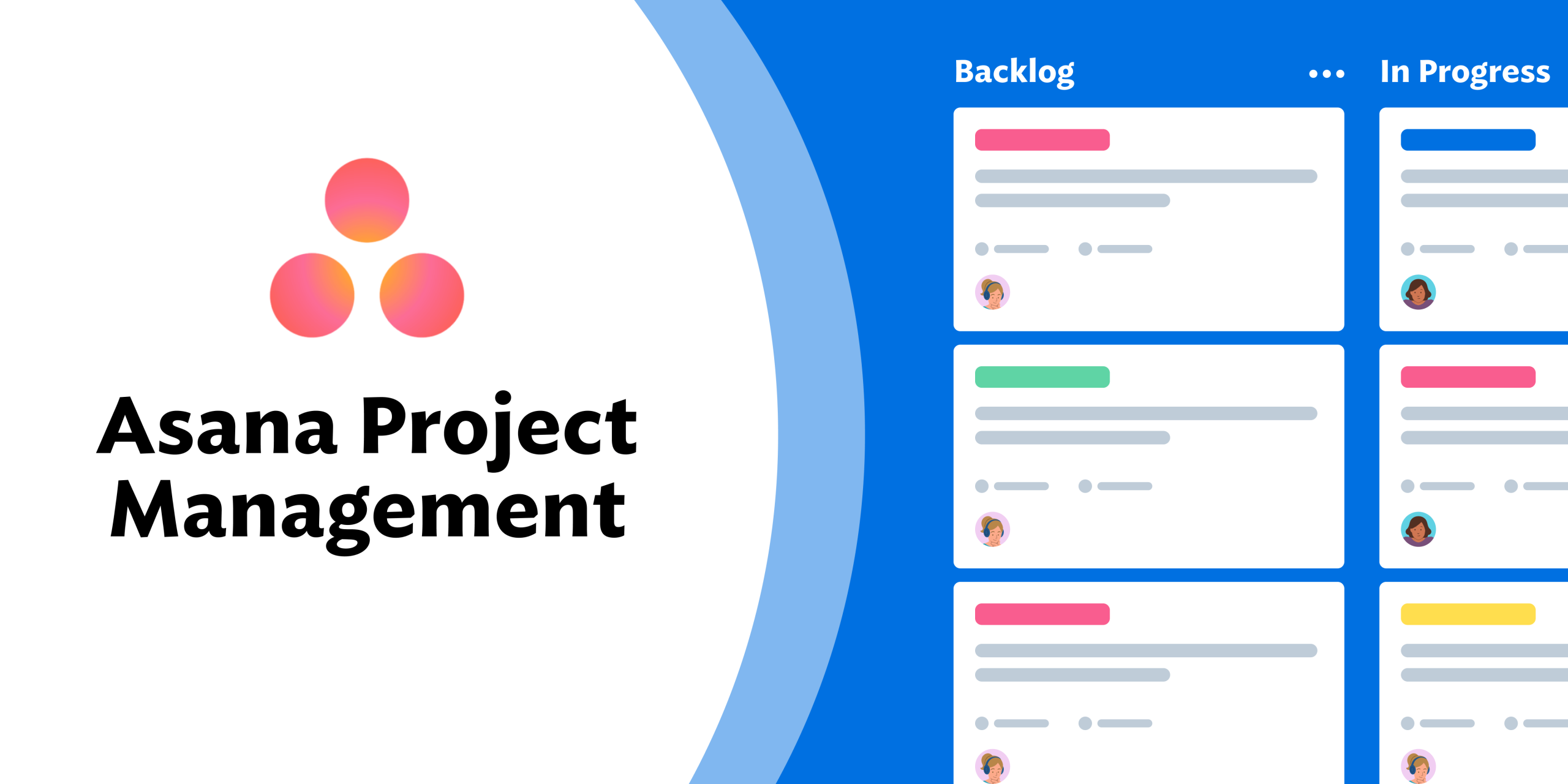
A popular tool for task scheduling, workload management, and team collaboration with visual timelines and automation — ideal for both small and enterprise teams.
Best for: Teams of all sizes
Features: Task management, project timelines, team collaboration, integrations
Limitations: Advanced features require premium subscription
2. Trello

Kanban-style project boards make Trello easy to use and visually intuitive for task tracking and simple workflows — excellent for small teams and creative projects.
Best for: Small teams and visual project tracking
Features: Kanban boards, task cards, checklists, integrations
Limitations: Limited advanced reporting and analytics
3. Monday.com
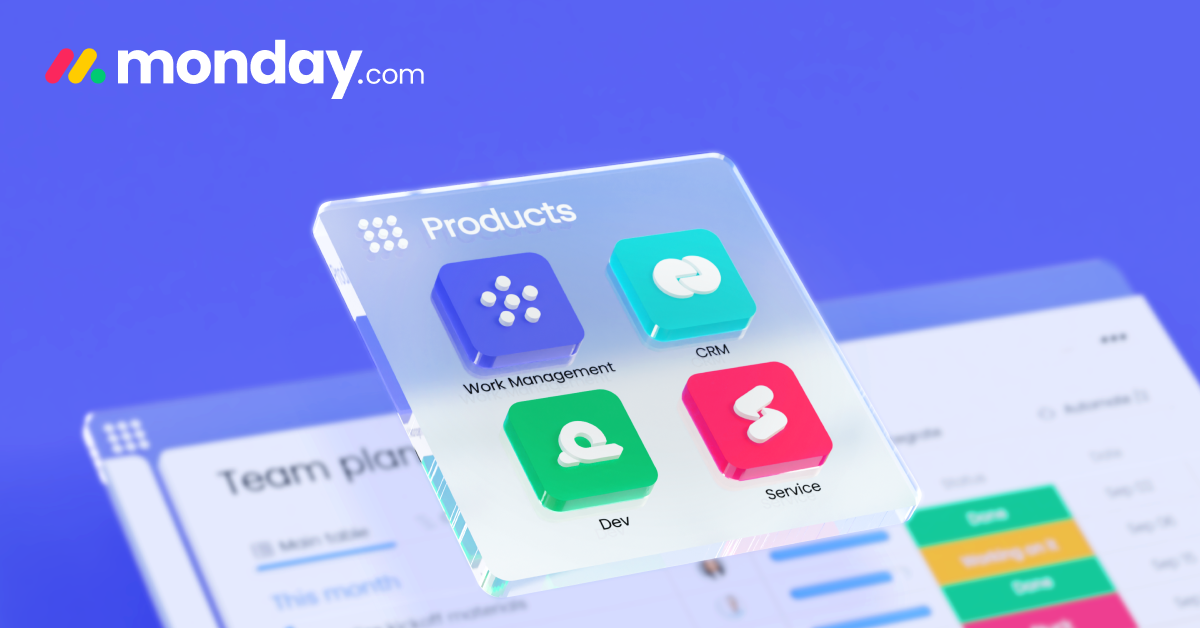
A visual Work OS that supports workflow automation, dashboards, and integrations with many productivity tools — suitable for startups to mid-sized companies.
pmpacademy.in
Best for: SMBs and enterprises
Features: Project boards, workflow automation, dashboards, collaboration tools
Limitations: Can be overwhelming for small teams
4. Jira
Focused on Agile project management and issue tracking, Jira is especially strong for software development and IT project teams.
Best for: Software development teams
Features: Agile boards, sprint tracking, bug tracking, reporting
Limitations: Technical complexity for non-IT teams
5. Wrike
Enterprise-grade project and portfolio management with customizable dashboards, resource planning, and real-time collaboration — ideal for larger teams or agencies.
Best for: Marketing and professional services
Features: Task management, project planning, reporting, resource allocation
Limitations: Premium features can be expensive
6. Smartsheet
Spreadsheet-style project management with automation, dashboards, and reporting — good for businesses that prefer Excel-like interfaces with project features.
Best for: Spreadsheet-based project management
Features: Project planning, reporting, resource management, automation
Limitations: Learning curve for non-Excel users
7. ClickUp
A flexible and powerful all-in-one project and work management platform with task management, Gantt charts, time tracking, and AI-powered automation — great for teams of all sizes.
Best for: Teams seeking all-in-one project management
Features: Task management, docs, goals, timelines, integrations
Limitations: Can be complex for beginners
8. Basecamp
Basecamp is a simple project management tool designed to keep teams organized through clear communication, to-do lists, and shared project spaces. Its main edge is its ease of use, making it ideal for teams that want to collaborate without dealing with complex features or heavy setup.
Best for: Small to medium teams
Features: Task tracking, team messaging, file storage, project organization
Limitations: Limited advanced project analytics
9. Teamwork
Teamwork is a powerful project management platform built for teams handling client-based projects, offering task management, time tracking, and detailed reports. Its edge lies in strong client collaboration tools and performance tracking, which are especially useful for agencies and service-oriented teams.
Best for: Agencies and client-facing projects
Features: Task management, time tracking, Gantt charts, billing
Limitations: Advanced features require higher-tier plans
10. BNTM HUB Project Management Module
The BNTM HUB Project Management Module helps teams plan, assign, and track projects within a single integrated business platform. Its key edge is seamless connection with other BNTM HUB modules like HR, Finance, and CRM, giving organizations a centralized view of project progress and business performance in one system.
Best for: Philippine MSMEs, institutions, and multi-location businesses
Features:
- Integrated with HR, finance, POS, inventory, and CRM modules
- Project timelines, task tracking, resource allocation, and dashboards
- Real-time reporting and workflow automation
- Local support and Philippine-specific business workflows
Advantages: Unlike standalone project management tools, BNTM HUB connects projects directly with other business operations, enabling real-time updates, resource optimization, and cross-department collaboration in one platform.
Quick Comparison Snapshot
| Project Management Module | Best For | Key Strength |
|---|---|---|
| Asana | Teams of all sizes | Task management & collaboration |
| Trello | Small teams | Visual Kanban boards |
| Monday.com | SMBs & enterprises | Workflow automation & dashboards |
| Jira | Software teams | Agile & bug tracking |
| Wrike | Marketing & services | Resource allocation & reporting |
| Smartsheet | Spreadsheet-oriented teams | Project planning & automation |
| ClickUp | All-in-one teams | Task, docs, goals, timelines |
| Basecamp | SMBs | Simple task tracking & messaging |
| Teamwork | Agencies | Time tracking & billing |
| BNTM HUB | MSMEs & Institutions | All-in-one integration, real-time reporting, local support |
How to Choose the Right Project Management Module
- Evaluate team size and project complexity.
- Check integration with HR, finance, inventory, and CRM systems.
- Consider local support and ease of use.
- Ensure real-time reporting and analytics for decision-making.
- Look for workflow automation and collaboration tools.
Final Thoughts
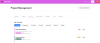
While global project management tools offer excellent features, BNTM HUB Project Management Module provides a fully integrated, localized, and scalable solution for Philippine SMEs and institutions. It connects projects with HR, finance, POS, inventory, and CRM, enabling teams to work efficiently while providing real-time insights for smarter operational and strategic decisions.
Shortlist here: https://www.bentamo.site/register/